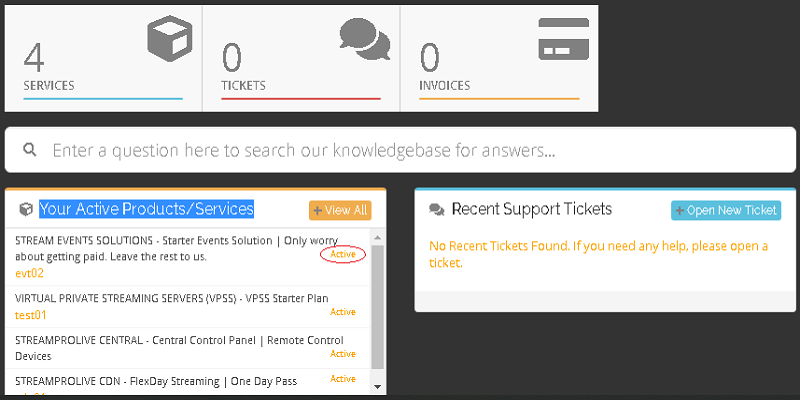
1- After login you will be presented with Your Active Products/Services. Click on Active for your evtXX product.
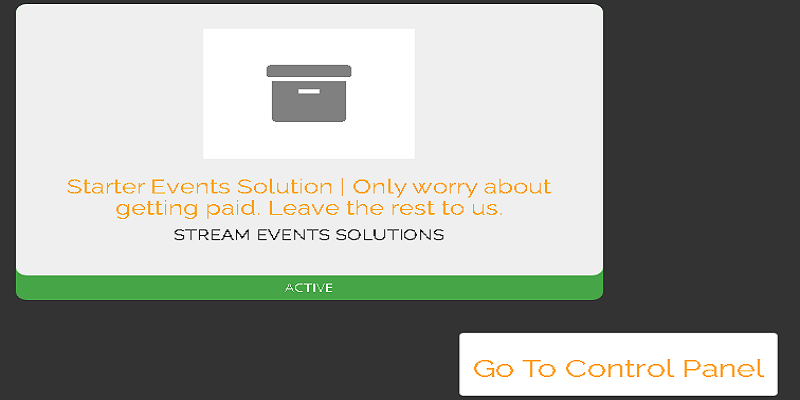
2- You will be taken to next screen: Click on Go To control Panel.
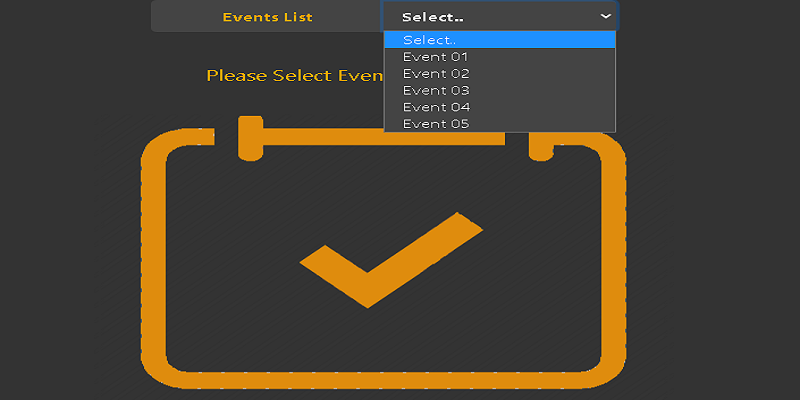
3- Select Event 01 from the list:
4- Control Panel for Event 01 will be shown.
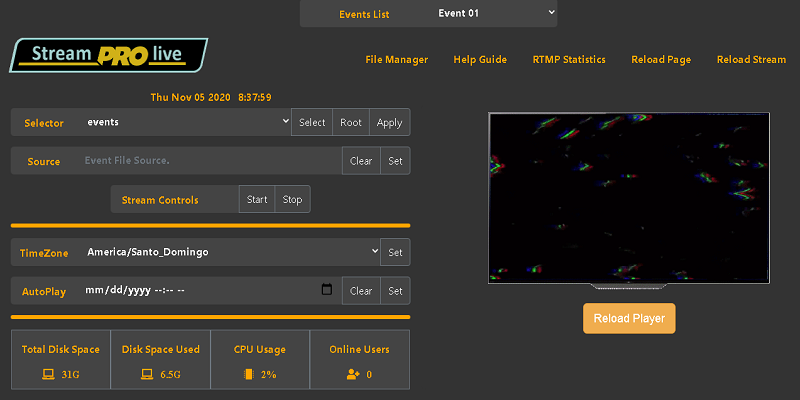
Now:
|
a) Select TimeZone of your location -> Click Set. b) Fill Description field to identify the Event -> Click Set. c) On Event Key -> Click Change -> Click Set. d) On Stream Key -> Click Change -> Click Set. e) On Stream Pwd -> Click Change -> Click Set. f) Fill Host Domain with your Portal Domain -> Click Set. g) Menu -> Click ReloadStream -> Click ReloadPage.
|
Now:
CONNECT YOUR PORTAL WITH THE EVENT CLICK HERE..