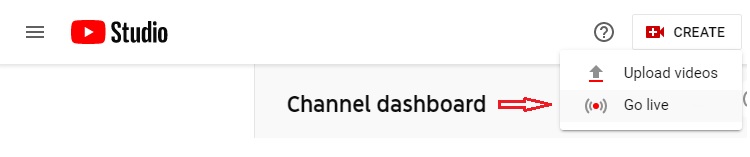
01- Click Button Create -> Click Go live
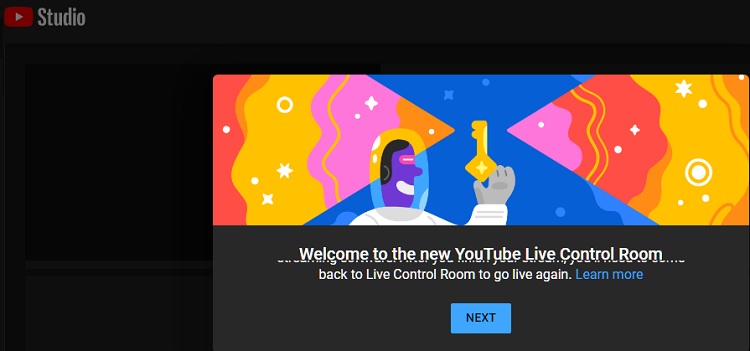
02- Click Button NEXT
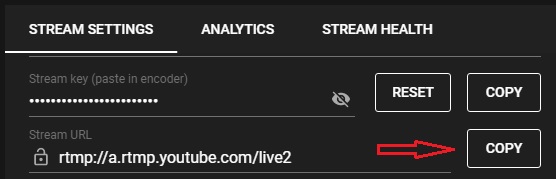
03- On Stream URL -> Click Button Copy
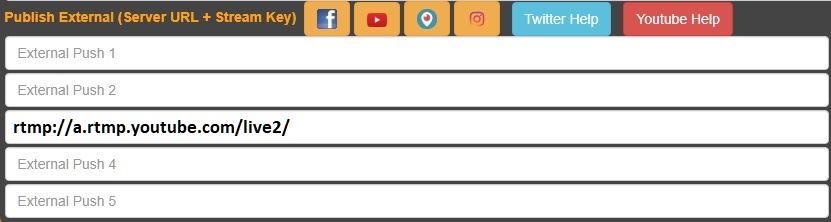
04- On Streamprolive Control Panel -> Click Push Selected -> Paste From Clipboard (Ctrl + v) -> Add an / at the end
05- Stream key -> Click Button Copy
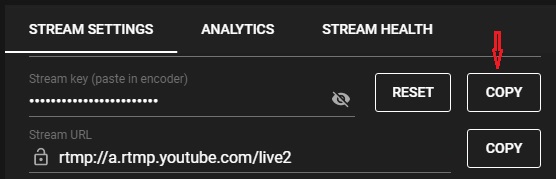
06- On Streamprolive Control Panel -> Click Push Selected -> Paste From Clipboard (Ctrl + v) after last /
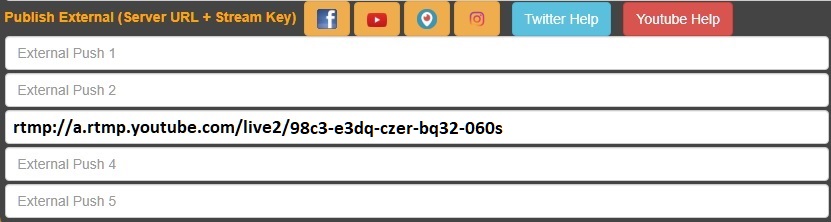
07- On Control Panel -> Click Button Update to save changes (the orange one to the right of youtube URL).
08- Turn ON to start sending video to Youtube.
09- In Youtube Studio Complete INFO as needed.